- DATE:
- AUTHOR:
- Toast product communications
Links

Send order ready text messages for orders created on the Toast POS app
Your guests can now get an order ready text message for takeout and curbside orders created on the Toast POS app when you select Order Ready on the Orders Hub or Payment Terminal screens. Previously, these orders sent a text only when the kitchen fulfilled the ticket on a kitchen display system (KDS).

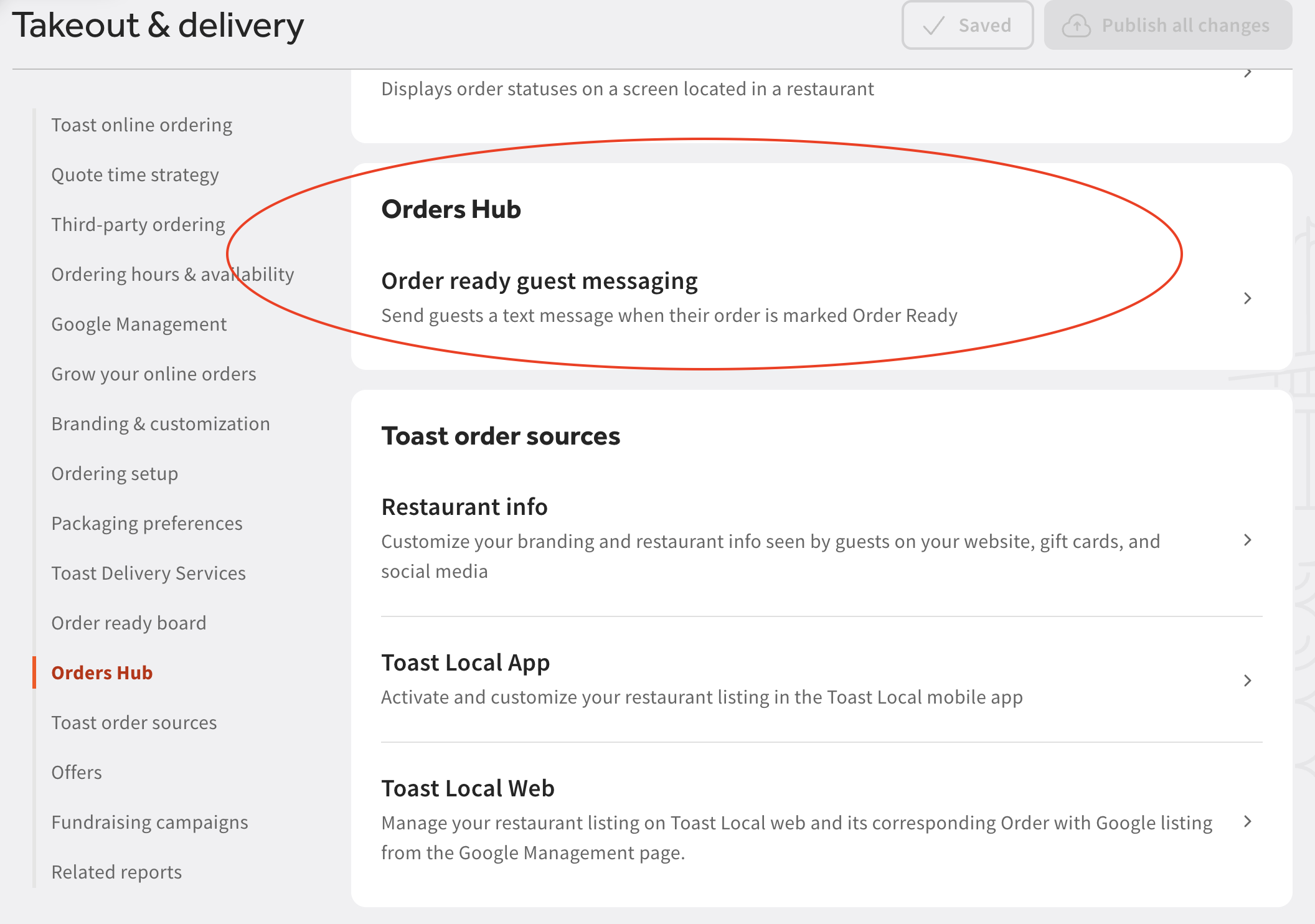
Order ready messaging is off by default. In Toast Web, go to Takeout & Delivery > Orders Hub > Order ready guest messaging, turn on takeout or curbside. You can also customize the message text.

If your location also sends a guest a message when the kitchen fulfills a ticket on a KDS, the guest gets two separate messages saying the order is ready. Toast Support recommends using one method or the other, not both.
For more information about managing order ready texts from the Orders Hub, see this Toast Support article.
For more information about sending order ready messages when an order is fulfilled by the kitchen, see this Toast Support article.
Availability:
This change is rolling out to Toast locations starting September 17, 2026.
Countries affected:
USA
Links