- DATE:
- AUTHOR:
- Toast product communications
Links

Generally Available, Australia, Canada, Ireland, New Zealand, United States, United Kingdom
Devices & Hardware
Toast Web
Device support workflow updated in Device hub
DATE:
AUTHOR:
Toast product communications
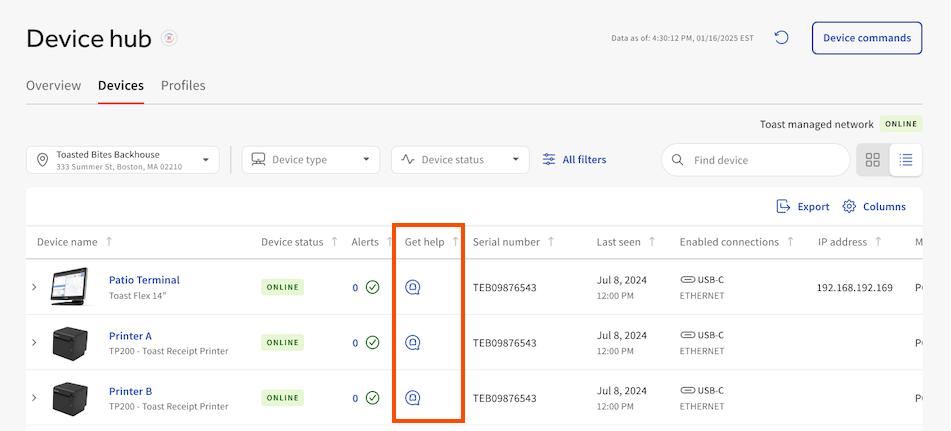
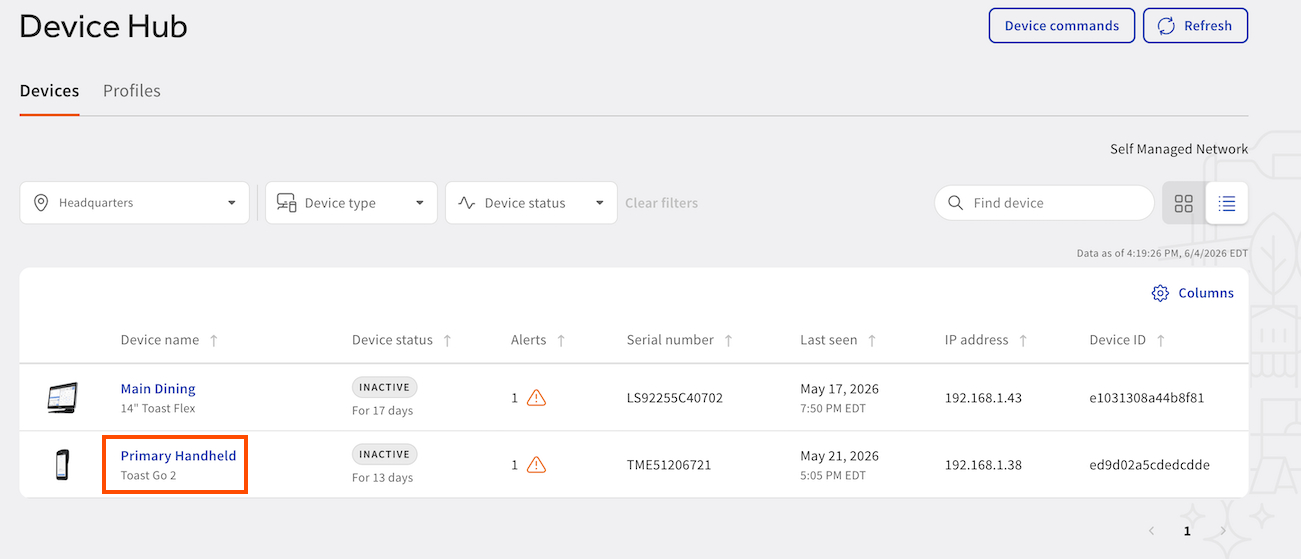
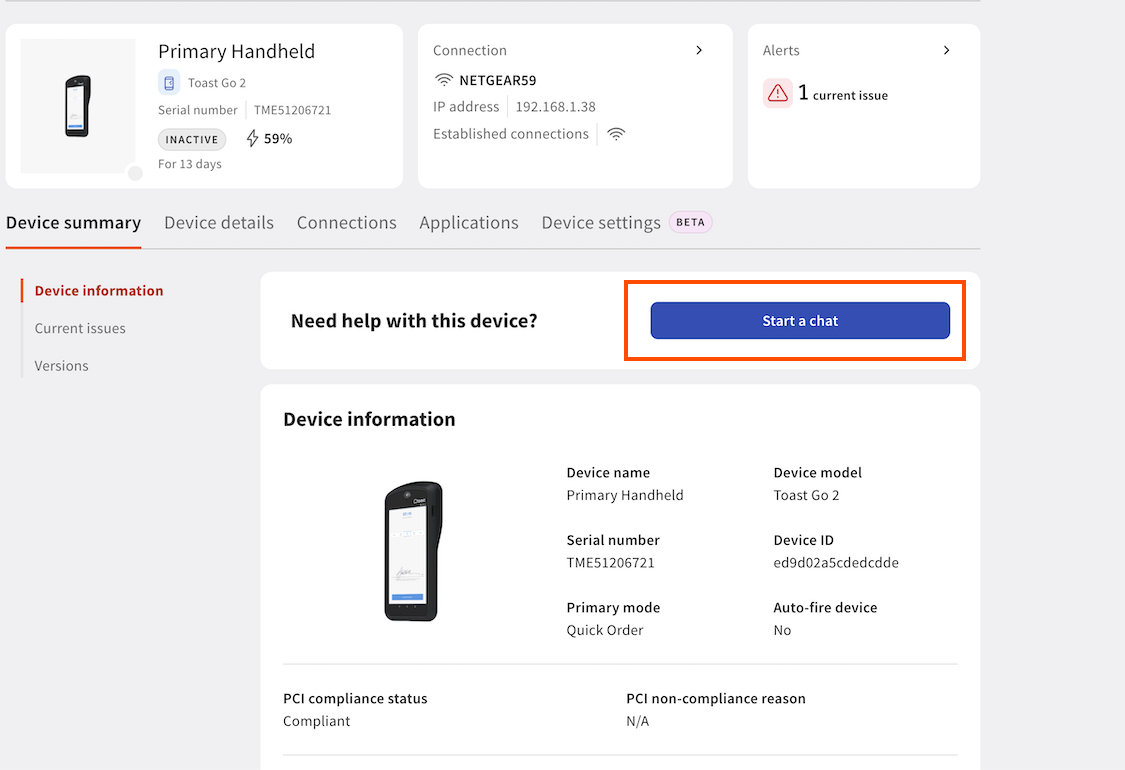
Previously, to get help with a device in the Device hub, you would select the blue Get help icon on the Devices page to start a support chat. The Get help icons are no longer available on the Devices page in Device Hub. To start a support chat:
Select a device from the list
Select Start a chat
The images below show the before and after affect of this change.
Before
After
For more information about the Device Hub, see Device Hub overview.
Availability
Available to all Toast POS locations.
Countries affected
All
Links