- DATE:
- AUTHOR:
- Toast product communications
Links

Generally Available, All Locations, POS v2.114, 2026-vRel-04
Toast Retail
Save orders in Retail Mode with the new Save button
DATE:
AUTHOR:
Toast product communications
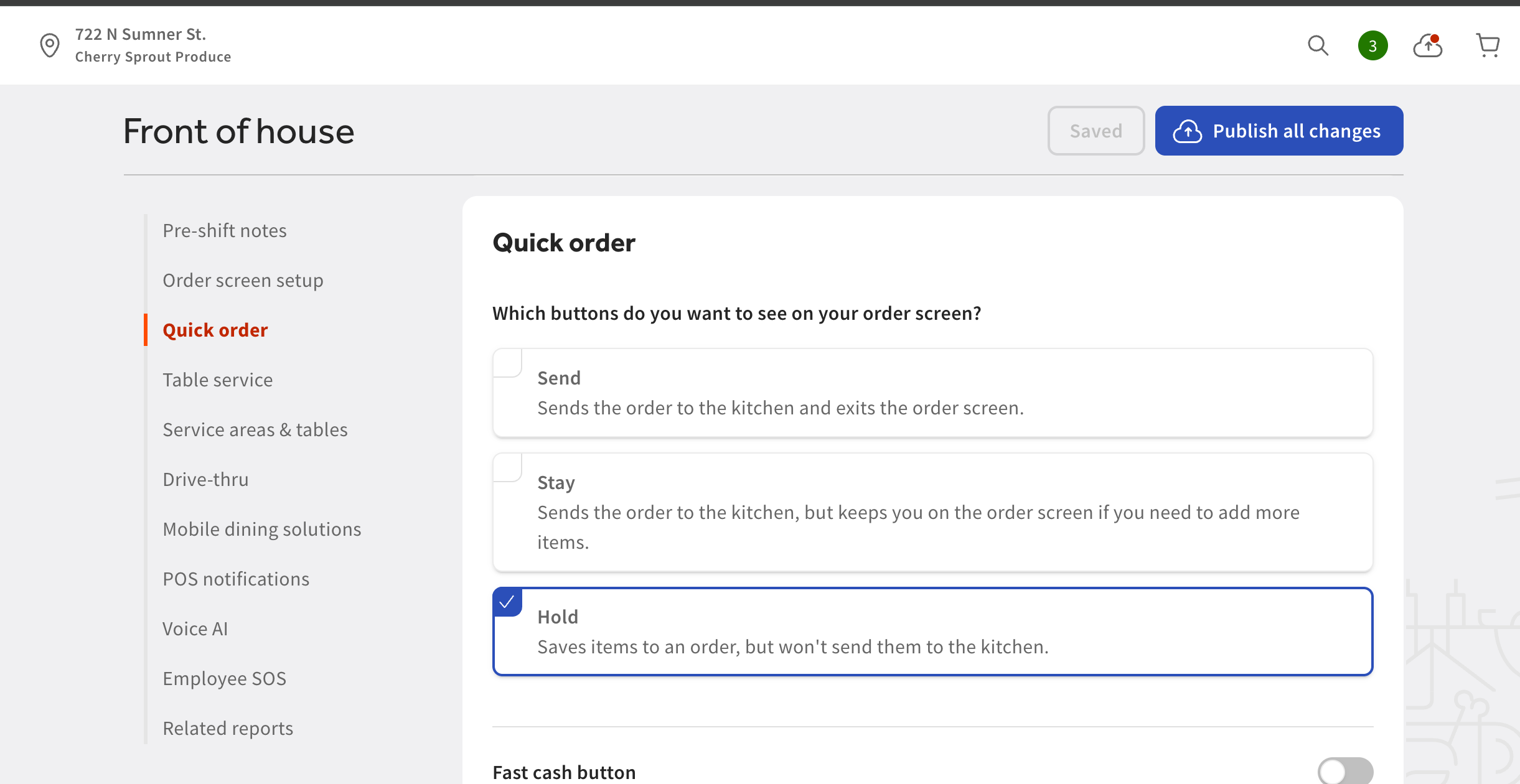
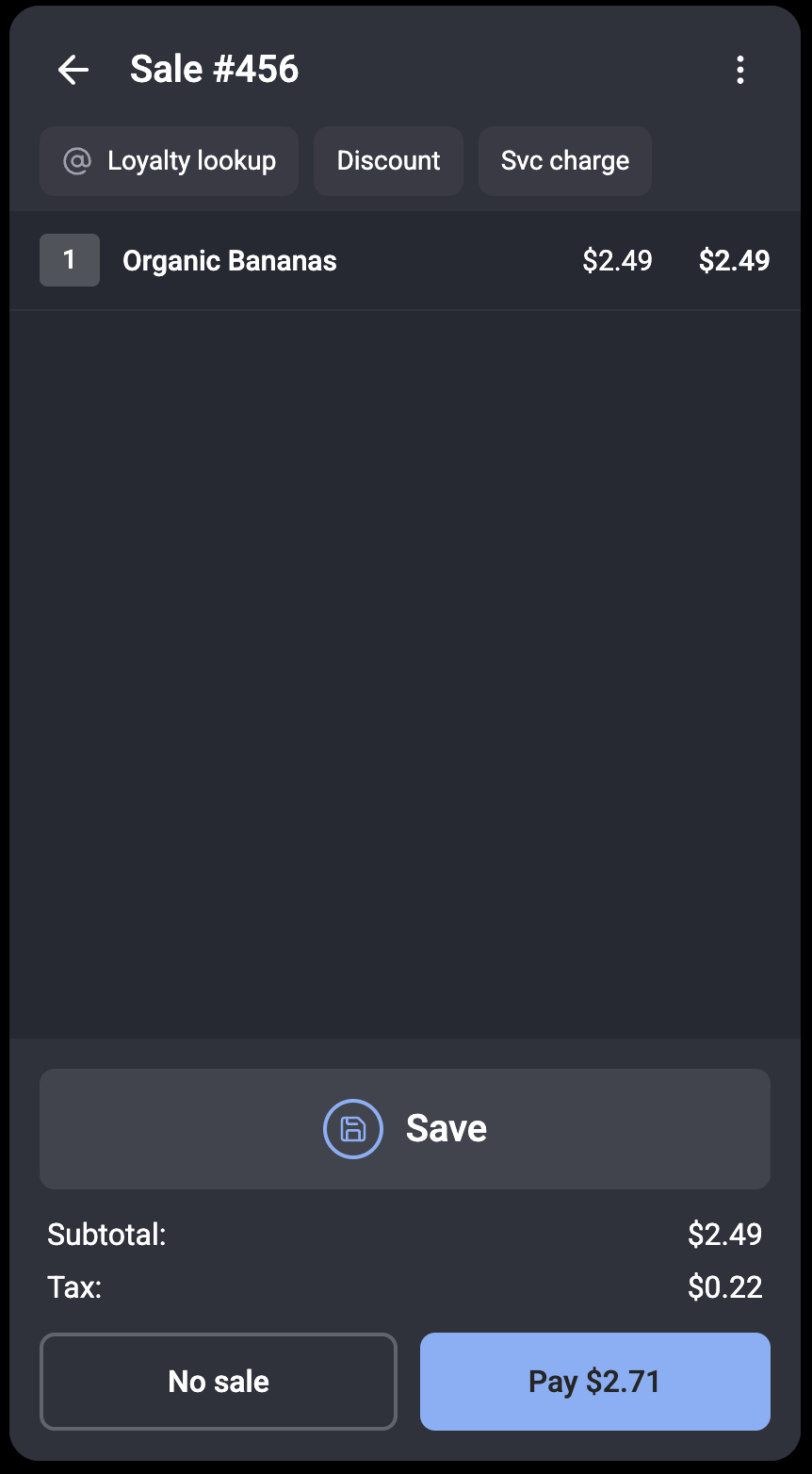
You can now save an order in Retail Mode to complete later. Saving sends the order to the payment terminal as an open check, so you can start a new order and keep the line moving while a guest retrieves a forgotten item. The Save button appears when the Hold button setting for the Quick Order screen is enabled in Toast Web at Front of House > Quick Order > Which buttons do you want to see on your order screen?
For more information about Toast Retail, see this Toast Support article.
Availability
First available in Toast POS version 2.114.
Countries affected
All
Links