- DATE:
- AUTHOR:
- Toast product communications
Links

Generally Available, All Locations, POS v2.120
Tables & Order Workflows
Filter future orders by due date in All-To-Go mode
DATE:
AUTHOR:
Toast product communications
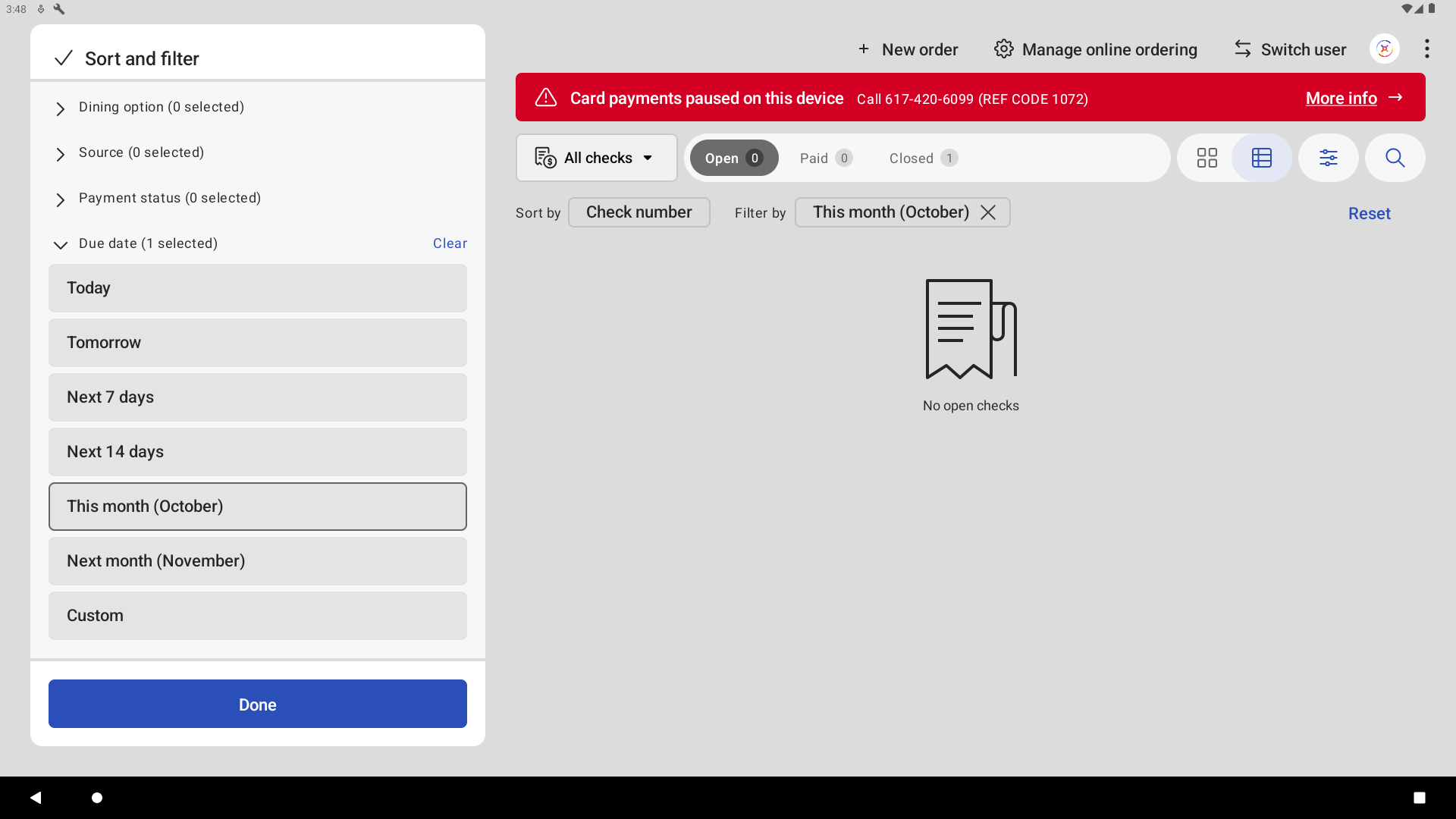
You can now filter future order checks by due date in All-To-Go mode on the Payment Terminal. The filtering panel includes a Due Date filter with preset ranges for times like today, tomorrow, or the next 7 days, or you can select a custom date range.
For more information about future orders, see View Future Orders on the POS.
How to verify
In All-To-Go mode on a Payment Terminal, open the filtering panel. Select the Due Date filter and choose a date range. Only checks due in that range appear.
Availability
First available in Toast POS version 2.120.
Countries affected
All
Links