- DATE:
- AUTHOR:
- Toast product communications
Links

Fire items to the kitchen and keep the order open with Stay in Retail Mode
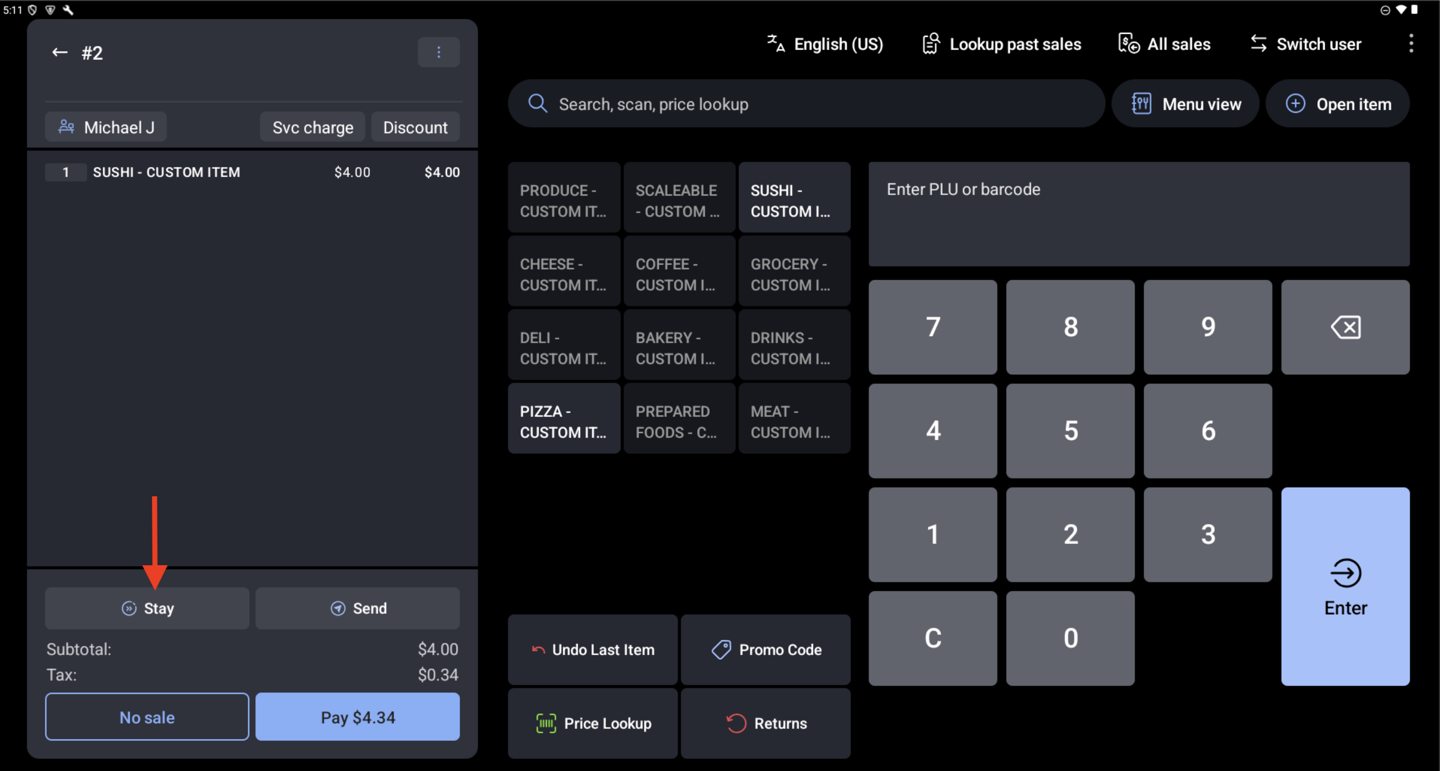
You can now use the Stay button in Retail Mode, the same way it works in Quick Order. Selecting Stay fires the items rung up so far to the kitchen or prep station and keeps the same check on screen, so you can keep adding to that guest's order. For example, you can send hot food to be made and then finish ringing up the customer's groceries. Selecting Stay again sends only the items added since the last time.
Previously, the only choices were Pay, which ends the order, or Save, which sets it aside and clears the screen. The Stay button appears only when it's turned on in your Toast Web POS button settings (Front of house > Order screen setup > Quick order).
For more information, see Get Started With Retail POS Mode.
How to verify
In Toast Web, make sure the Stay button is turned on in Toast Web. On a device running Toast POS app version 2.116 or later, open Retail Mode, add items, and select Stay. The kitchen ticket prints and the same check stays on screen with its items and total. Add more items and select Stay again. Only the new items are sent. Select Pay to complete the sale.
Availability
First available in Toast POS version 2.116.
Countries affected
United States, Canada, United Kingdom, Ireland
Links