- DATE:
- AUTHOR:
- Toast product communications
Links

Hide the "No Receipt" option on Toast Kiosk devices
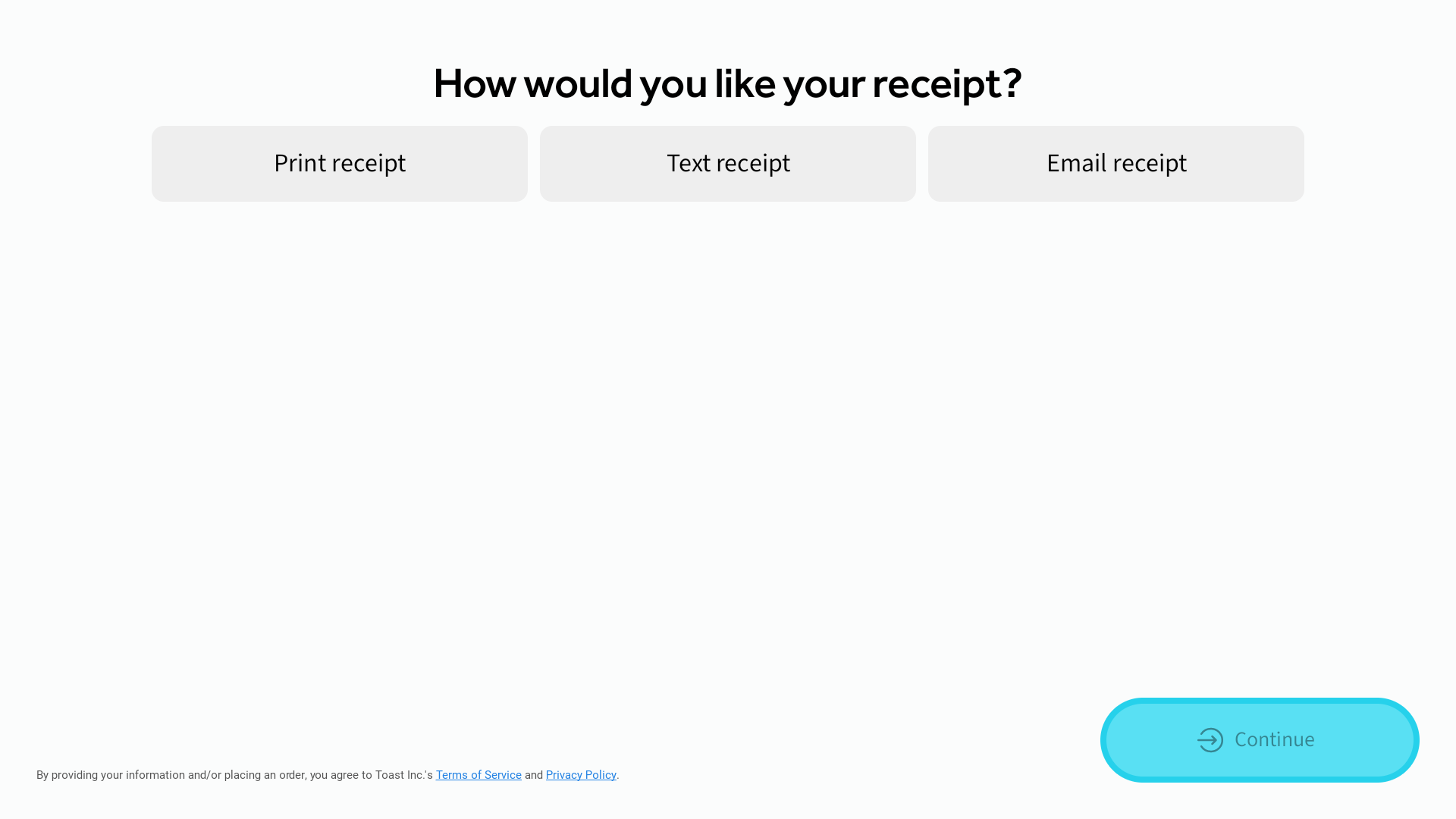
You can now hide the No Receipt option on the Toast Kiosk receipt screen, so guests choose between a printed or a digital receipt. To hide it, turn off Show ‘No receipt’ in Kiosk Setup > Receipts in Toast Web.
If the kiosk has no receipt printer set up and digital receipts are not configured, the No Receipt option still appears so guests can finish their order.
For more information about Toast Kiosk, see this Toast support article.
The image below shows what the Toast Kiosk receipt screen looks like when you disable No Receipt.
How to verify
To verify this update, make sure the kiosk has a receipt printer set up or digital receipts configured.
In Toast Web, go to Kiosk Setup > Receipts and turn off Show ‘No receipt’ option.
Place a test order on the kiosk. The No Receipt option no longer appears on the receipt screen.
Availability
First available in Toast POS version 2.118.
Affected countries
All
Links