- DATE:
- AUTHOR:
- Toast product communications
Links

Generally Available, United States, POS v2.114, 2026-vRel-05
Online Ordering & Delivery
Choose a reason when you cancel an Uber Eats order
DATE:
AUTHOR:
Toast product communications
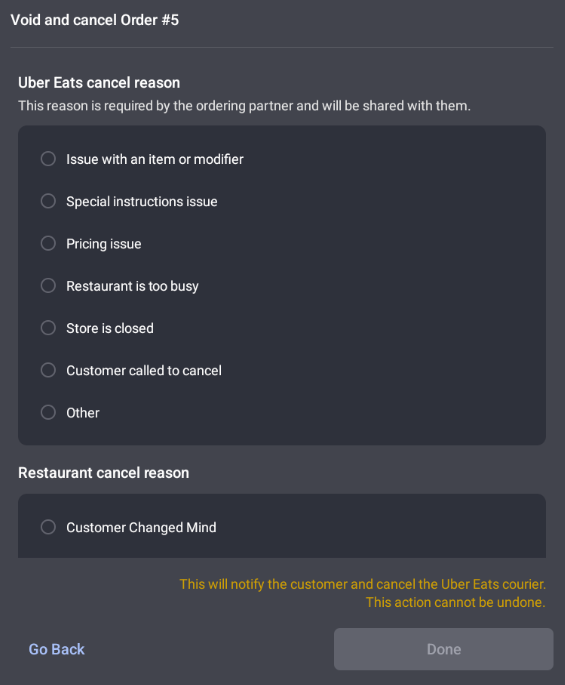
When you cancel an Uber Eats order in the Toast POS app, you must now select one of Uber's predefined cancellation reason codes. The reason goes directly to Uber for its reporting requirements. You can still add a Toast cancellation reason for your own records.
For more information about canceling an Uber order, see Cancel Uber Eats and DoorDash Orders on the POS (Using Void Order).
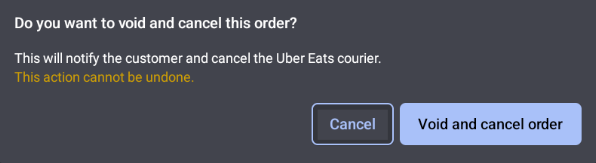
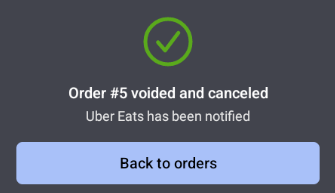
The images below show choosing a cancel reason and voiding the order.
Availability
First available in Toast POS version 2.114.
Affected countries
United States
Links