- DATE:
- AUTHOR:
- Toast product communications
Links

Self-serve payroll bank account management
You can now add, edit, or delete company payroll bank accounts directly in Toast Payroll. This change eliminates the need to contact Toast support for payroll bank account changes, reducing operational delays and increasing transparency.
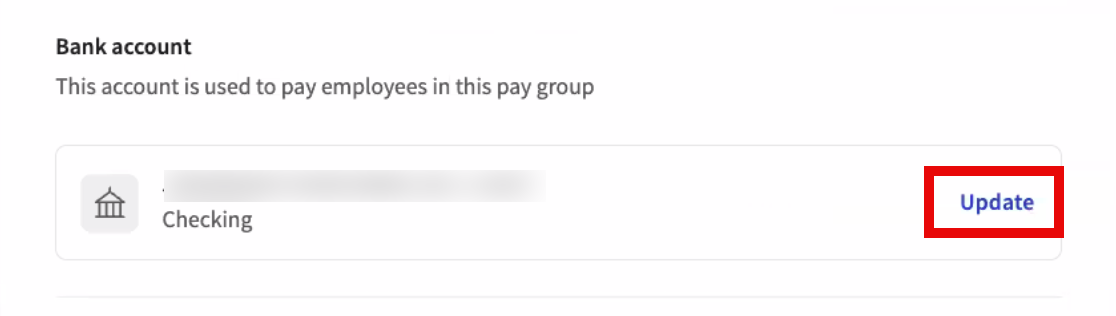
To update your payroll bank account in Toast Payroll, select Payroll > Pay group settings. Locate the pay group you want to update and select Update to the right of the existing bank account.
You must have the Toast HR+ security role with multi-factor authentication (MFA) enabled to make these changes. For more information about Toast Payroll security roles, see this Toast Central article.
After a bank account is updated, a confirmation email is sent to all users who can process payroll for the pay group that was updated.
For more information about updating your payroll bank account, see this Toast Central article.
Availability:
This change affects all Toast Payroll locations.
Affected Countries:
USA
Links