- DATE:
- AUTHOR:
- Toast product communications
Links

Sign up guests for third-party loyalty and customize your guest-facing display
If your location uses a third-party loyalty integration, your guests can now sign up for your loyalty program directly from the guest-facing display or kiosk. When a guest enters their information and no account is found, they receive a link by email or SMS to finish signing up, so they can start earning points right away.
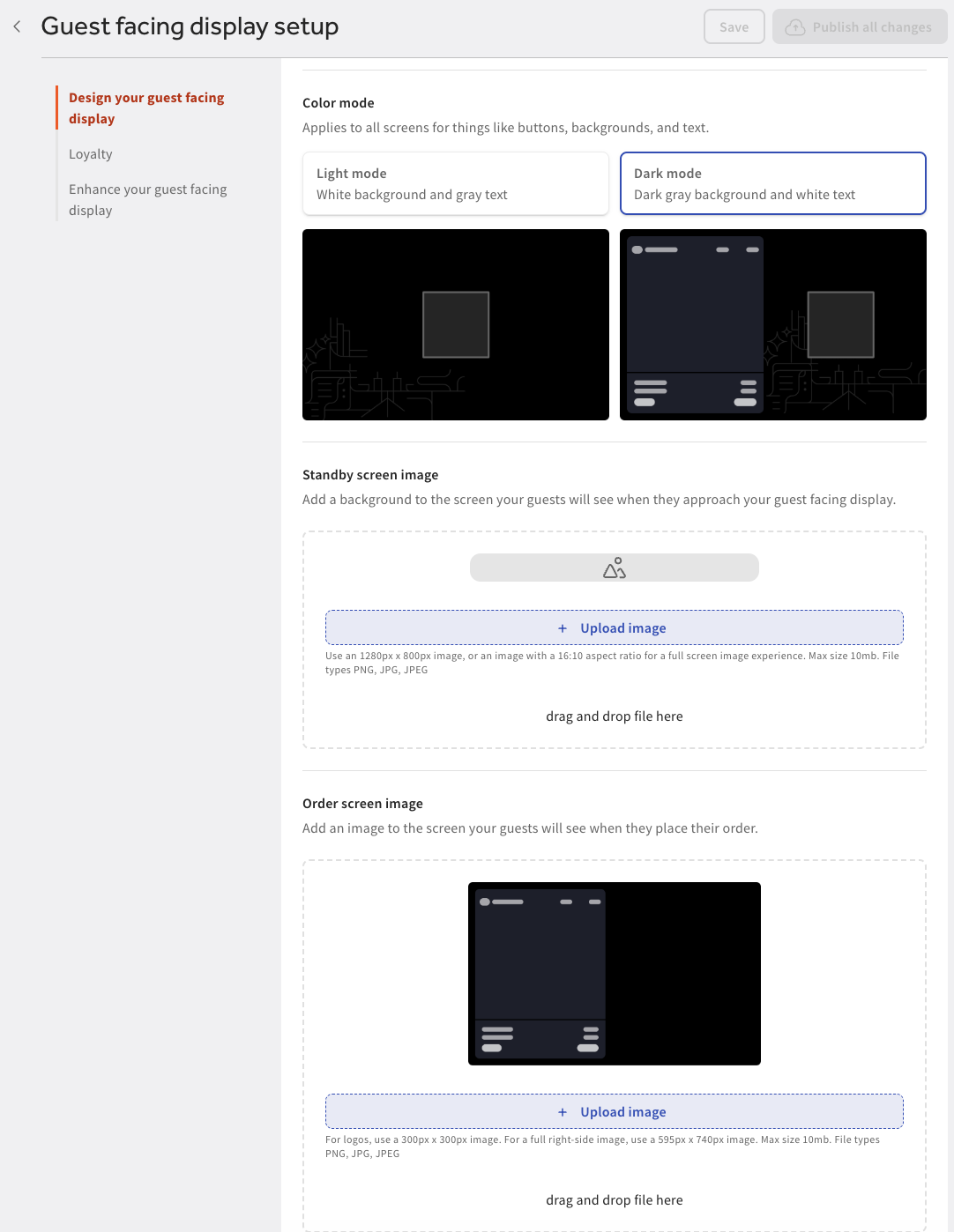
You can also customize the guest-facing display with your own post-order images, call-to-action text, and name for "Points" to match your brand. Set these in Toast Web at Finance > Related > Settings > Guest display > Design your guest facing display.
Link to supporting documentation For more information about the guest-facing display, see Get Started With Your Guest-Facing Display.
The image below shows the Design your guest facing display page in Toast Web.
How to verify
On the guest-facing display, enter a phone number or email address that isn't linked to a loyalty account.
A link to finish signing up arrives by SMS or email.
Then, in Toast Web, go to Finance > Related > Settings > Guest display, change the post-order image, call-to-action text, or name for "Points" in the Change your guest-facing display section, and save and publish your changes. The guest-facing display shows your changes.
Availability
First available in Toast POS version 2.120.
Affected countries
United States
Links