- DATE:
- AUTHOR:
- Toast product communications
Links

Split payments evenly now includes cash and other payment types configured with Treat as Discount
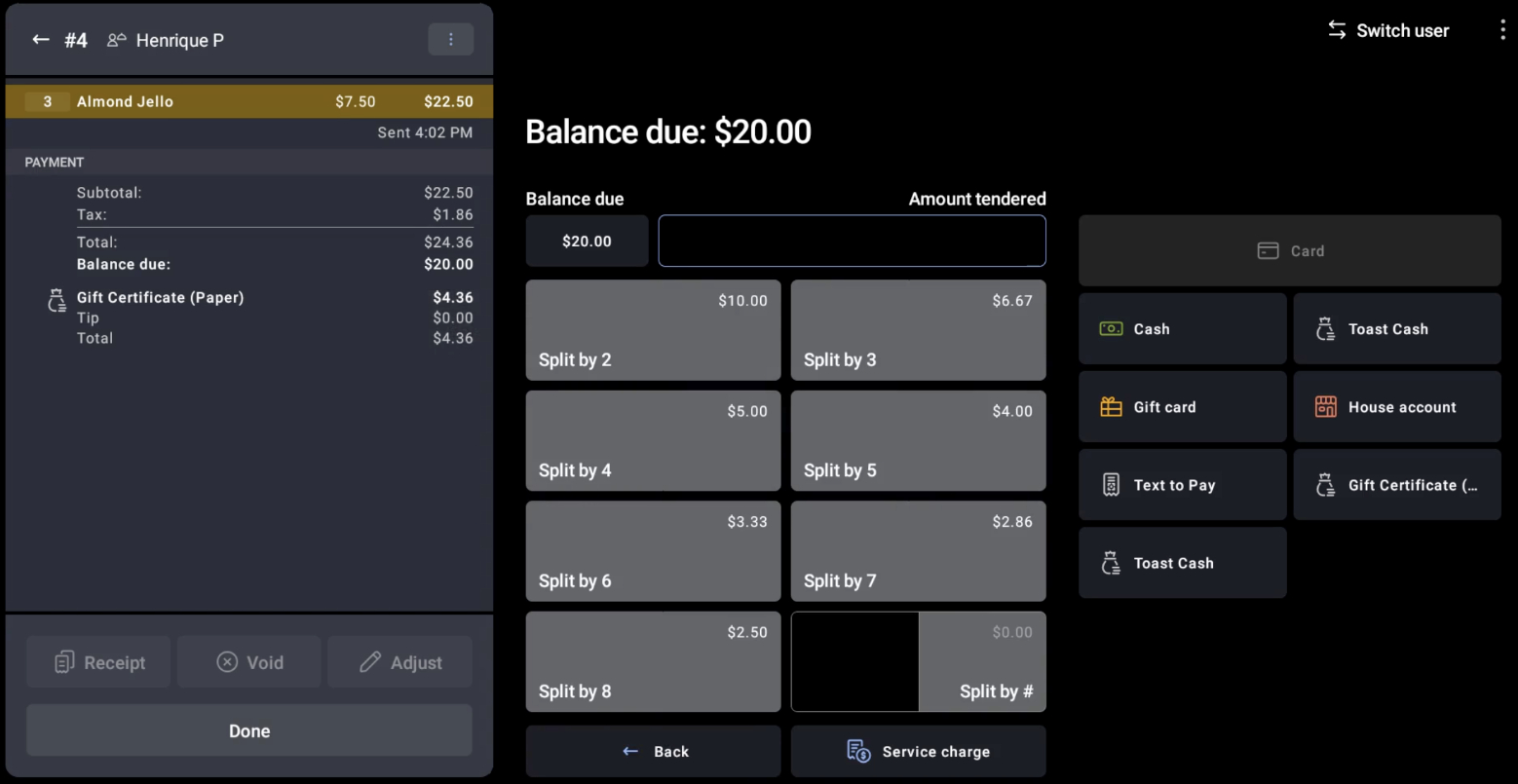
When you split a check evenly on the Toast POS app, cash and other payment types are now included in the split calculation regardless of whether they are configured with Treat as Discount enabled.
Previously, If a check already carried a cash or other payment whose type had Treat as Discount enabled, that payment was skipped when calculating the split. Each guest's share was calculated from the full check total rather than the remaining balance, so the split amounts came out too high. Now, the payment is included, and each guest's share reflects the remaining balance.
You can configure Treat as Discount in Toast Web under Payments > Other Payment Options.
Testing this change
Configure an other payment type with Treat as Discount enabled
Open a check and apply a payment of that type for part of the balance
Split the remaining check evenly by guest
Each guest's share should equal the remaining balance divided by the number of guests, not the original check total divided by the number of guests.
For more information about splitting checks, see this Toast support article.
Availability
First available in Toast POS app version 2.104.
This change will rollout to all Toast locations starting March 24, 2026.
Countries affected
All
Links