Specific third-party bump bar supported by KDS devices
Kitchen display systems (KDS) devices now support specific bump bars. A bump bar is an external piece of hardware that allows employees to navigate the KDS...
The Toast POS now supports drive-through display mode
You can now use drive-through display mode for order confirmation with Delphi digital menu boards and screens.
POS v2.74
Tables & order workflows
Open item button relocation
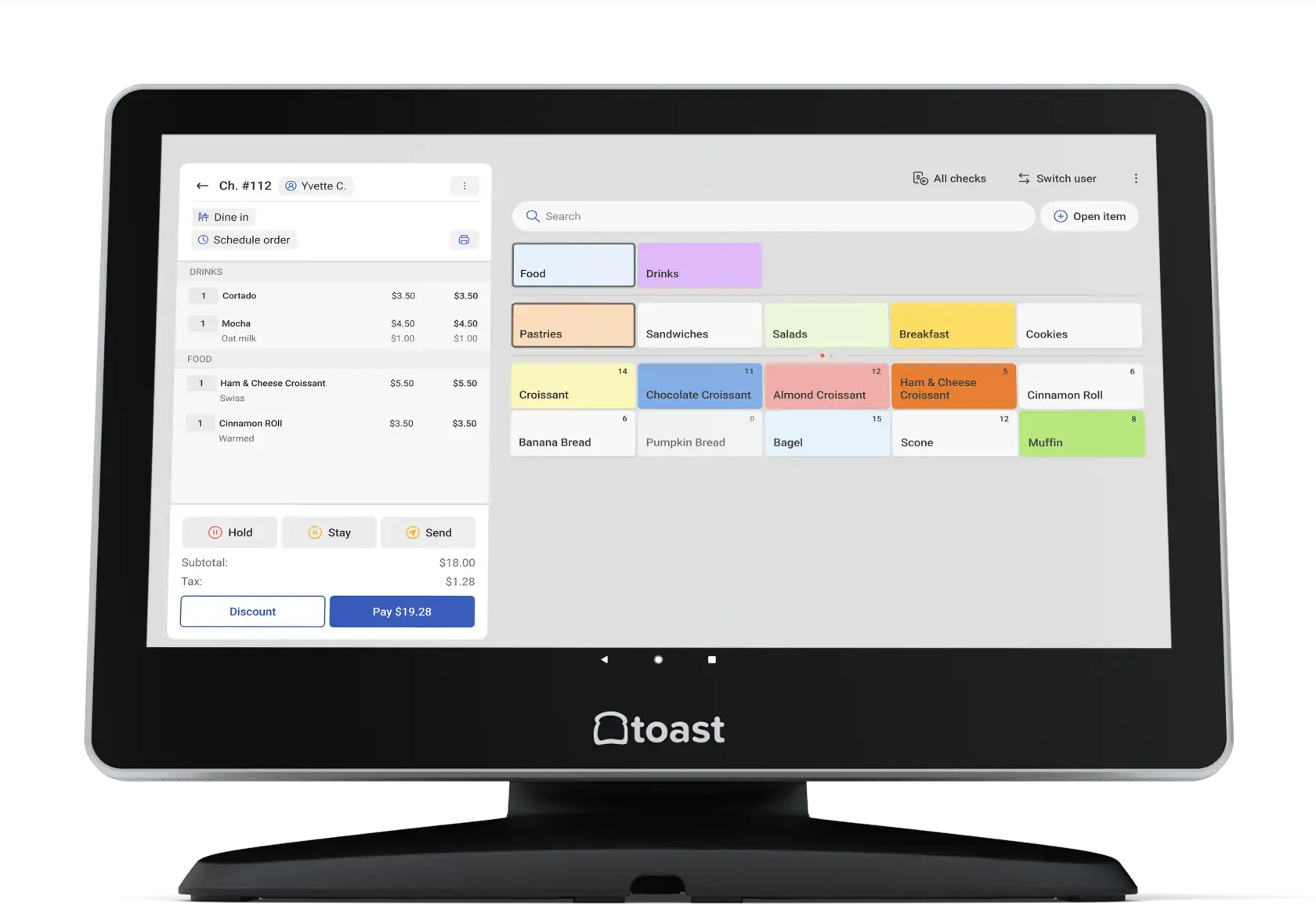
The Open item button is now located in the check detail overflow menu.
Menu item search can now be disabled
You can now disable the menu item search option that shows on the Toast POS app. To disable the menu item search, in Toast Web change the setting Front of...
Blank menu appeared when selecting a menu item
Previously, a blank menu appeared when selecting a menu item from the check preview screen with the POS device setup setting Order Screen Menu > Open View...
Orders hub no longer shows orders with no menu items
Previously, the Orders Hub showed orders with no menu items. Now, the Orders Hub only displays valid orders that have menu items.
Checks no longer selected by default on the payment terminal and All Checks screens
When the payment terminal and All Checks screens are opened, a check is no longer selected by default.
Voided payments no longer appear on checks
When a payment is voided from a check, the voided payment no longer appears on the payment terminal or All Checks screens.
Bug Fix, POS v2.74
Tables & order workflows
Selecting the destination table multiple times no longer causes the Toast app to crash
Previously, when changing a table for an order, if you selected the destination table multiple times, the Toast app could crash. Now, this crash no longer...
Bug Fix, POS v2.73
Tables & order workflows
Selecting a modifier while using Open View no longer shows a blank screen
Previously, if your restaurant used Open View , and a modifier was selected while entering an order, the POS showed a blank screen. Now, when selecting a...
Manage cookie settings